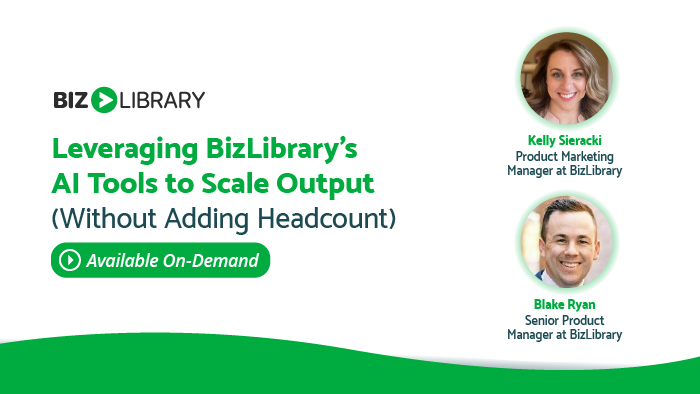
Leveraging BizLibrary's AI Tools to Scale Output (Without Adding Headcount)
Wednesday, March 18, 2026, 1:00 pm CT
L&D teams are under pressure to do more with less – supporting performance, speeding up skill development, and delivering measurable impact without growing their teams. In this webinar, we’ll explore how BizLibrary’s AI-powered solutions help organizations scale learning outcomes by working smarter, not harder.
Join us as we showcase AI tools designed to multiply your impact and help you:
🎯 Personalize Learning at Scale – deliver tailored development experiences based on each learner’s role, goals, and skill gaps without manually building dozens of tracks
⚡ Create Relevant Content Faster – rapidly build high-quality, on-brand learning materials using AI-assisted content creation while maintaining instructional rigor and alignment to business objectives
💡 Turn Knowledge into Real-World Capability – give learners a safe space to practice high-stakes conversations and critical skills through AI-powered roleplays with instant, actionable feedback
Whether you’re short on time, resources, or both, this webinar will explore how AI can help you and your organization scale output, accelerate performance, and drive real results without adding headcount.
Brought to you by your presenters

Product Marketing Manager
BizLibrary

Senior Product Manager
BizLibrary
FAQ
Q. What platform do you use for your webinars?
A. We use ON24 as our webinar platform.
Q. Do I need to download anything to attend?
A. No, ON24’s interface does not require a download. You’ll just need to make sure you have Adobe Flash enabled and for best results, close down any extra browser windows.
Q. How do I listen in to the webinars?
A. To listen in, you will need a pair of headphones or computer speakers. We do not provide a dial-in number for attendees.
Q. How early can I join the webinar?
A. The webinar room will open 15 minutes before the webinar starts.
Q. Do you recommend a certain browser to watch the webinar?
A. After 3/21/20, ON24 will not support Internet Explorer. We recommend using a supported browser, such as Microsoft Edge, Google Chrome, or Mozilla Firefox to view the webinar.
Q. Do you offer credits for your webinars?
A. Yes, most of our webinars are approved for one hour of HRCI and SHRM general credit. In order to be approved for credits, you must attend at least 50 minutes of the webinar.
Q. How do I know if the webinar is approved for credits?
A. If a webinar is approved for SHRM or HRCI general credits, the registration page will have the SHRM and HRCI badges at the bottom of the page. If you have any questions regarding credits, email kmiller@bizlibrary.com.
Q. How will I receive my HRCI and SHRM certificate?
A. If you have attended for 50 minutes of an approved webinar, there are a few ways you can obtain your certificate. First, you can download the certificate from a widget in our platform. If you forget to download the certificate during the webinar, an email will be sent with the certificate about 2 hours after the webinar is complete.
Q. If I’m not able to watch the webinar at the live time, can I watch it later?
A. Yes! We understand that you might not be able to watch the webinar at the live time, so we offer our webinars on demand. On-demand webinars are available up until 12 months after the initial live webinar date.
Q. What if I am having trouble accessing the webinar?
A. The webinar room will open 15 minutes before the live time. If you are still having issues attending, email kmiller@bizlibrary.com.