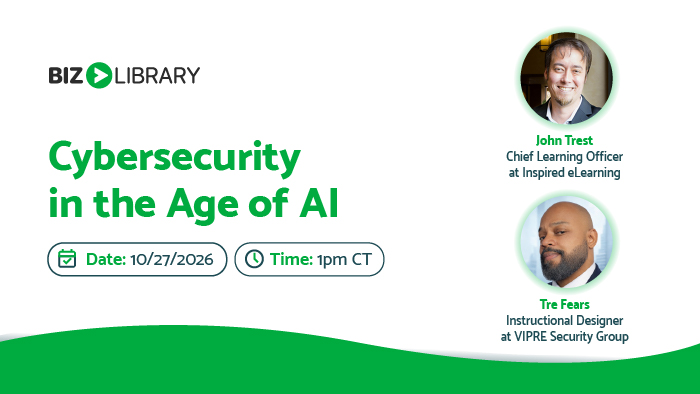
Cybersecurity in the Age of AI
Tuesday, October 27, 2026, 1:00 pm CT
Every day, employees are asked to decide whether to trust an email, approve a request, share information, or rely on AI-generated content. As cyber threats become more sophisticated, making informed decisions has never been more important.
Join VIPRE and Inspired eLearning as we explore today’s evolving threat landscape, practical cybersecurity habits, and the opportunities and challenges artificial intelligence presents for organizations. We’ll examine emerging trends, real-world examples, and the questions organizations are asking as AI becomes an increasingly common part of the workplace.
We’ll share timely insights, practical guidance, and actionable takeaways to help attendees navigate today’s rapidly evolving cybersecurity landscape with greater confidence, covering key areas including:
- AI-Powered Threats: Navigating the rise of sophisticated phishing campaigns and deepfakes.
- Responsible AI Use: Implementing ethical frameworks and safe operational practices.
- Essential Human Skills: Cultivating the irreplaceable human capabilities needed in an AI-driven world.
Brought to you by

Chief Learning Officer
Inspired eLearning

Instructional Designer
VIPRE Security Group
FAQ
Q. What platform do you use for your webinars?
A. We use ON24 as our webinar platform.
Q. Do I need to download anything to attend?
A. No, ON24’s interface does not require a download. You’ll just need to make sure you have Adobe Flash enabled and for best results, close down any extra browser windows.
Q. How do I listen in to the webinars?
A. To listen in, you will need a pair of headphones or computer speakers. We do not provide a dial-in number for attendees.
Q. How early can I join the webinar?
A. The webinar room will open 15 minutes before the webinar starts.
Q. Do you recommend a certain browser to watch the webinar?
A. After 3/21/20, ON24 will not support Internet Explorer. We recommend using a supported browser, such as Microsoft Edge, Google Chrome, or Mozilla Firefox to view the webinar.
Q. Do you offer credits for your webinars?
A. Yes, most of our webinars are approved for one hour of HRCI and SHRM general credit. In order to be approved for credits, you must attend at least 50 minutes of the webinar.
Q. How do I know if the webinar is approved for credits?
A. If a webinar is approved for SHRM or HRCI general credits, the registration page will have the SHRM and HRCI badges at the bottom of the page. If you have any questions regarding credits, email kmiller@bizlibrary.com.
Q. How will I receive my HRCI and SHRM certificate?
A. If you have attended for 50 minutes of an approved webinar, there are a few ways you can obtain your certificate. First, you can download the certificate from a widget in our platform. If you forget to download the certificate during the webinar, an email will be sent with the certificate about 2 hours after the webinar is complete.
Q. If I’m not able to watch the webinar at the live time, can I watch it later?
A. Yes! We understand that you might not be able to watch the webinar at the live time, so we offer our webinars on demand. On-demand webinars are available up until 12 months after the initial live webinar date.
Q. What if I am having trouble accessing the webinar?
A. The webinar room will open 15 minutes before the live time. If you are still having issues attending, email kmiller@bizlibrary.com.